
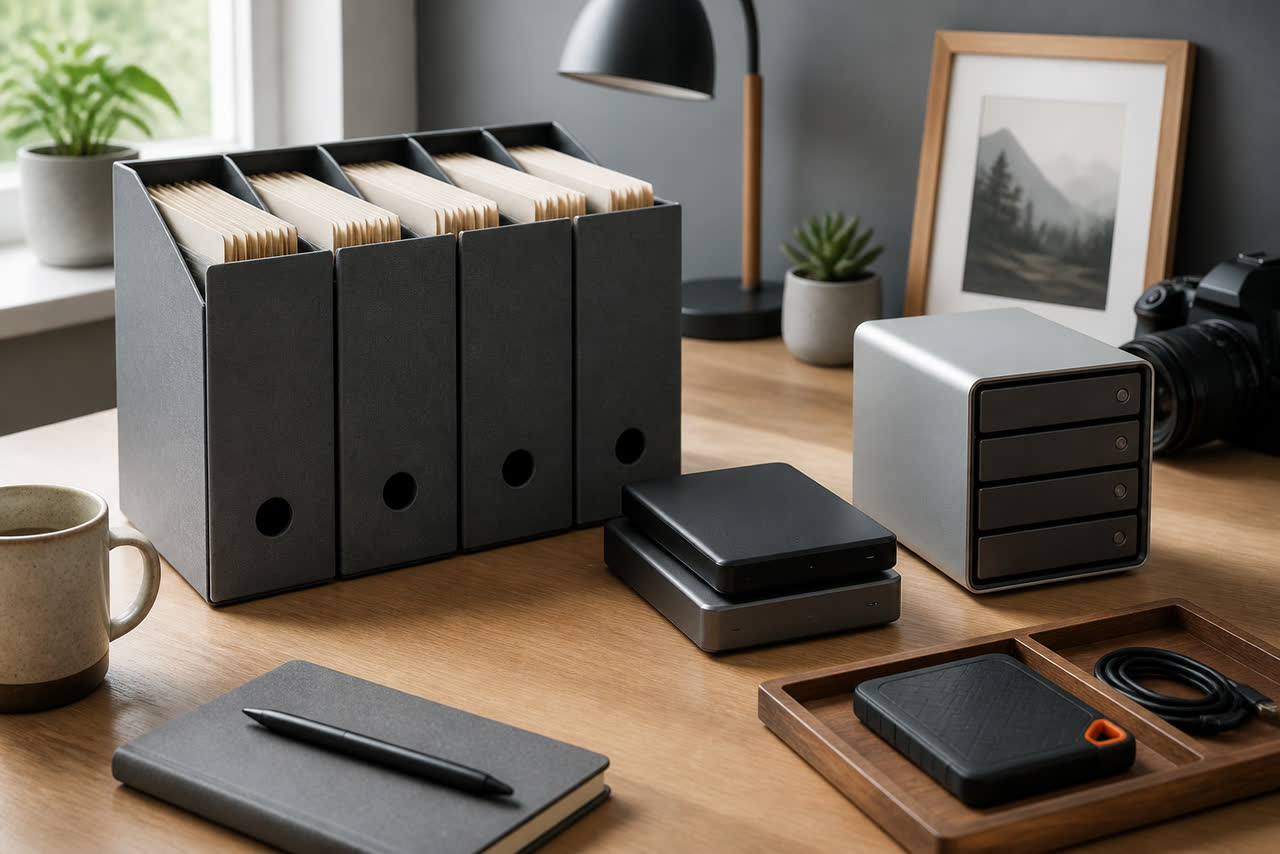
Video creators lose more time to missing files than to weak thumbnails. A camera card fails, a laptop dies mid-render, an external drive drops from a bag, or a hard cut of last month’s series vanishes because the only copy lived on a desktop Desktop folder. Backup is not a luxury for studios with dedicated IT staff. It is a weekly production habit that protects the hours you already spent lighting, recording, editing, and uploading. The goal is not a perfect enterprise system. The goal is a boring, repeatable workflow that keeps original media, editable projects, and published masters recoverable when something breaks. If you publish on YouTube, your public library is only part of the story. The private working files behind those videos are what let you remaster, fix audio, create Shorts, or answer a brand with a clean deliverable without starting from zero.
Think in layers: originals, projects, and masters
A useful backup plan separates three classes of files. Originals are camera footage, voice recordings, music licenses, graphics sources, and stills. Projects are the timeline files, caches you can rebuild carefully, and linked assets folders that make an edit reopen correctly. Masters are the final exports you uploaded or delivered, plus captions and thumbnail sources. Treat each class with different urgency. Originals are irreplaceable if a shoot cannot be repeated. Projects are expensive to rebuild even when footage survives. Masters save you from re-exporting under deadline pressure. Name folders so these classes never mix: MEDIA, PROJECTS, and DELIVERABLES under a dated episode or series folder. When a drive fills, you will know what can be archived cold and what must stay hot near the editor.
Avoid the common trap of backing up only the export MP4. That file is convenient, but it rarely contains the full timeline, color nodes, compound clips, or alternate takes you may need later. Likewise, do not rely on YouTube as your only archive. Platform storage is for distribution, not for lossless recovery of your edit. Download your own masters after upload if you want a public-side copy, but keep local project backups as the source of truth. For upload formats and related technical choices, YouTube’s guidance at https://support.google.com/youtube/answer/6373554 is worth aligning with your deliverables folder so the master you keep matches what you actually publish.
Use a simple 3-2-1 rule you can keep for months
The classic 3-2-1 rule still fits solo creators: at least three copies of important data, on two different kinds of media, with one copy off-site or offline. In practice that might mean working files on an internal SSD, a nightly clone to an external drive, and a weekly sync of originals and masters to cloud object storage or a second drive stored at another location. You do not need all three copies to be identical full project trees forever. You do need three recoverable paths for irreplaceable footage and for the current season’s open projects. Write the rule on a sticky note near your desk. If you cannot point to where copy two and copy three live, you do not have a backup system yet. You have hope.
Schedule matters more than brand of software. Pick windows you will actually honor: card offload immediately after a shoot, project backup at the end of each edit day, and a deeper archive every Sunday before you plan the next week. Automate what you can with reliable sync tools, but verify manually once a week by opening a random restored folder. Backups that never get tested are theater. Also rotate external drives if you shoot heavy media volumes; a single aging drive carrying every copy of every year is a single point of failure wearing a different label. Label drives with dates and roles such as HOT-EDIT, COLD-2026-Q2, and OFFSITE-A so you never wipe the wrong volume during a cleanup spree.
Offload camera cards before you celebrate the take
The riskiest hour in many creator workflows is the hour after a good shoot, when fatigue is high and excitement is higher. People format cards early to feel ready for tomorrow. Build a ritual instead: copy cards to the MEDIA folder on your primary drive, verify file counts and total size, create the second copy to the backup drive, then and only then format in-camera or in a dedicated formatter. Keep a small checklist in the camera bag. If you shoot multi-cam or separate audio, offload every card and recorder in the same session and store them in a dated shoot folder with a plain README noting scene names, slate notes, and any corrupted clips you already spotted. Future you will thank present you when an edit needs a sync point that only exists in a take you almost deleted.
Checksums sound intimidating, but even a lightweight habit helps. Many creators compare folder sizes and file counts; that catches most incomplete copies. For critical shoots, use a tool that verifies checksums during offload. Whatever method you choose, do not skip verification because the progress bar reached one hundred percent. Progress bars lie more often than hard drives. If you travel, carry enough card capacity to avoid formatting on the road until you have two copies in two places. Hotel Wi-Fi is not a backup strategy for raw 4K. A compact SSD in your bag is.
Protect the edit, not only the footage
Modern editors scatter risk across project files, media caches, graphics packages, font licenses, and plugin effects. Decide what must be backed up nightly versus what can be regenerated. Timeline projects and linked media folders usually need nightly copies. Render caches can often be excluded if disk space is tight, provided you accept rebuild time. Keep fonts and motion templates inside the project tree or in a shared brand kit path that is itself backed up. When collaborators join, give them a written map of where media lives so nobody duplicates five terabytes into a random Downloads folder. Version project filenames with dates or incrementing numbers when you hit major milestones such as rough cut, picture lock, and final. Overwriting a single untitled project file for thirty days is how entire seasons disappear.
Cloud sync can help, but understand its limits with huge media. Syncing every camera original to a consumer cloud plan may be slow and expensive; syncing project files, proxies, graphics, and masters is often the smarter split. If you use proxies, keep a documented path back to full-resolution media so a restored project does not open as a sea of media offline warnings. After any restore drill, open the project on a clean machine or user profile and confirm links. A backup that restores files but not an editable timeline is only half a rescue. Creators who also maintain channel sites or policy pages should keep those documents in the same disciplined folder logic; clear archiving supports trust the same way clear presentation supports publishing surfaces described at https://www.google.com/adsense.
Archive finished seasons without losing the ability to remake
When a series wraps, move cold media off the edit drive so performance stays healthy, but do not throw away the map. Keep a small archive index: episode titles, shoot dates, drive labels, project version used for the upload master, and where captions and thumbnails live. Store one approved master per episode in a durable format you can re-upload or cut Shorts from. If storage is constrained, you may delete redundant camera angles after a waiting period, but only after confirming the master and the primary interview or A-roll angle are safe in two places. Write that deletion decision down. Memory is a terrible archive index. Also keep license proofs for music and stock beside the episode folder; a future claim is harder to answer if your paperwork lived in an old email.
Revisit analytics when you decide what deserves long-term hot storage. Videos that still earn traffic, get remixed into compilations, or feed evergreen search intent deserve easier access. YouTube explains how to read audience retention and related performance signals at https://support.google.com/youtube/answer/9314356. Use those patterns to prioritize which projects stay on the fast drive versus which can live on shelf disks. Backup is ultimately an editorial decision as much as a technical one: you are choosing which creative labor remains easy to reopen. Build a workflow you can run on a tired Friday. If the plan requires a free weekend and a perfect mood, it will fail the week you need it most. Keep copies boring, labeled, tested, and close enough to your real calendar that protection becomes part of publishing, not a panic task after a drive clicks.